Ember: A Color Font for Vibrant Modern Typography
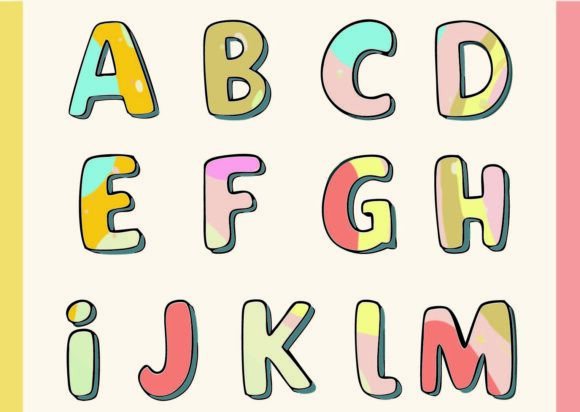
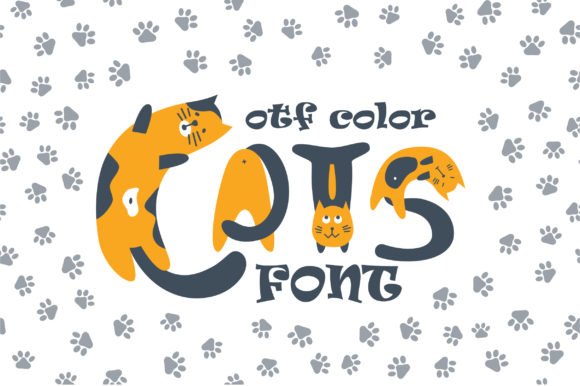
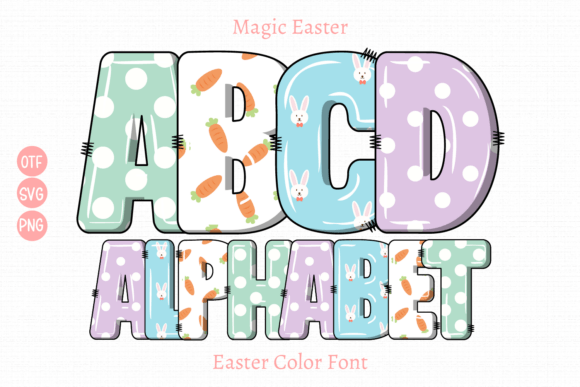
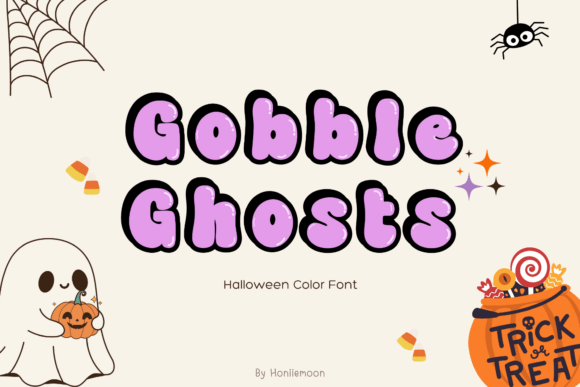
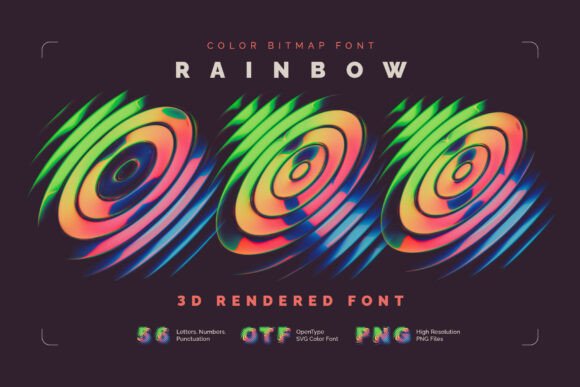
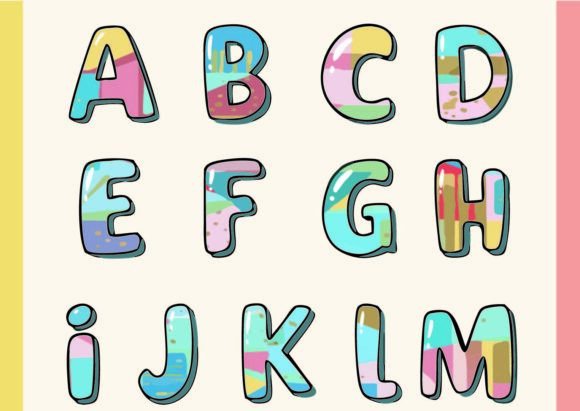
When you first encounter Ember, the experience is less like selecting a typeface and more like stepping into a gallery. This isn't your standard monochrome font sitting quietly in the background; it is a chromatic font, technically known as an OpenType-SVG color font. In practical terms, every single glyph in the Ember family has been designed with its own unique, complex set of colors and gradients. If you look closely at the letterforms, you won't just see a vector outline. Instead, you will find intricate paths and connections that create the illusion of depth, texture, and dimension. Each character functions almost like a small typographic painting, offering a visual richness that standard vector fonts simply cannot replicate.
For designers, entrepreneurs, and content creators, this distinction changes the game. We have all been there—spending hours trying to apply gradients and textures to text in Illustrator or Photoshop, only to have the effects reset or look flat. Ember solves this by baking the artistic detail directly into the font file. Because it utilizes OpenType-SVG technology, the font carries its color data with it. When you type a word, you are essentially stamping down pre-rendered artwork. This creates a "colorful heaven" for anyone looking to inject high-impact energy into their work without needing advanced vector manipulation skills.
Practical Applications for a Chromatic Typeface
Understanding the technical makeup of Ember is one thing, but knowing where to deploy it is where the real strategy lies. As a premium font, Ember excels in scenarios where display typography is the hero. It is not designed for writing long paragraphs of body copy in a novel; rather, it is a specialized tool for grabbing attention.
Logo Design and Brand Identity
For startups and small business owners, a logo needs to be memorable. Ember offers a distinct advantage here. If your brand personality is energetic, creative, or youthful, using a chromatic font like Ember for your wordmark can set you apart from the sea of generic sans-serif logos. The texture and color depth within the letters provide a built-in visual identity that is hard to forget. It works particularly well for brands in the lifestyle, tech, or creative industries where standing out is a requirement, not a luxury.
Editorial Design and Publishing
In the world of editorial design, the headline is the hook. Whether you are designing a magazine cover, a blog post header, or a chapter opener, Ember serves as a powerful display font. The intricate details of the glyphs draw the reader's eye immediately. Imagine a travel magazine using Ember to spell out an exotic destination, or a music festival poster utilizing the font to convey the excitement of the event. The built-in color gradients can be used to pick up on accent colors within your photography, creating a cohesive and professional layout.
Digital and Social Media Graphics
On platforms like Instagram, Pinterest, and TikTok, visual noise is high. A standard white text overlay often gets lost. Ember, however, pops. It is excellent for social media graphics, particularly for quotes, announcements, or sale banners. Because the font carries so much visual weight, you often need less supporting design elements to make the image feel "finished." This is a massive time-saver for marketers and social media managers who need to produce high-quality assets quickly. It functions as a standalone design asset that can elevate a simple background into a polished piece of content.
Working with Ember: Compatibility and Workflow
One of the most common questions regarding color fonts involves compatibility. It is important to note that Ember is an OpenType-SVG font. This means it is designed to work best in applications that support this specific font technology. You will have full functionality and see the beautiful colors and textures when using Adobe Photoshop, Adobe Illustrator, Silhouette Studio, and Inkscape.
The product comes with OTF and/or TTF files. When you install Ember on your system and open it in Photoshop or Illustrator, it will appear in your font list. When you type, the colors will appear automatically. This seamless integration makes it an accessible tool even for hobbyists or those just starting out with graphic design.
Font Pairing and Hierarchy
Because Ember is so visually complex, it demands a contrasting partner. This is where understanding font pairing becomes essential. You generally want to pair a "loud" font like Ember with a quiet, neutral one. A clean sans-serif font or a simple serif font works best. For example, if you use Ember for a headline, use a font like Helvetica, Open Sans, or a classic serif like Garamond for your sub-headings or body text. This contrast allows Ember to shine without overwhelming the reader. If you try to pair it with another script font or a busy handwritten font, the result will likely look cluttered and unprofessional.
Evaluating Fit and Licensing
Before integrating Ember into your next project, take a moment to evaluate the fit. Ask yourself about the mood of the piece. Ember has a personality that is vibrant and modern. It might not be the right choice for a law firm's annual report or a somber memorial program. However, it is perfect for invitations, party supplies, branding for bakeries, apparel design, or merchandise.
When working with clients, it is also vital to review the commercial licensing included with the font files. Most premium fonts like Ember come with specific terms regarding how many devices it can be installed on or whether it can be used in products for sale (like t-shirts or mugs). Always ensure your usage aligns with the license provided to maintain professionalism and legal compliance.
Ultimately, Ember is more than just a typeface; it is a creative tool that bridges the gap between typography and illustration. It allows you to bring a level of artistic complexity to your projects that would otherwise require hours of manual work. Whether you are a seasoned designer looking to streamline your workflow or a small business owner wanting to create eye-catching marketing materials, Ember offers a distinct, colorful, and professional solution.